
RAVNU / PERSONAL FINANCE
From a receipt.
To an organised expense.
Photograph a receipt in Ravnu. SPARK extracts the details so you can review items, amounts and category before saving the expense.
Scan, review, confirm.
- Photograph the receipt in good light with the text visible.
- SPARK extracts the data from the image.
- Check the items, quantities, amounts and category shown.
- Correct any details and confirm the expense.
- Return to the recorded transaction when you need to review the expense.
Launch in preparation · iOS and Android
Notify me at launch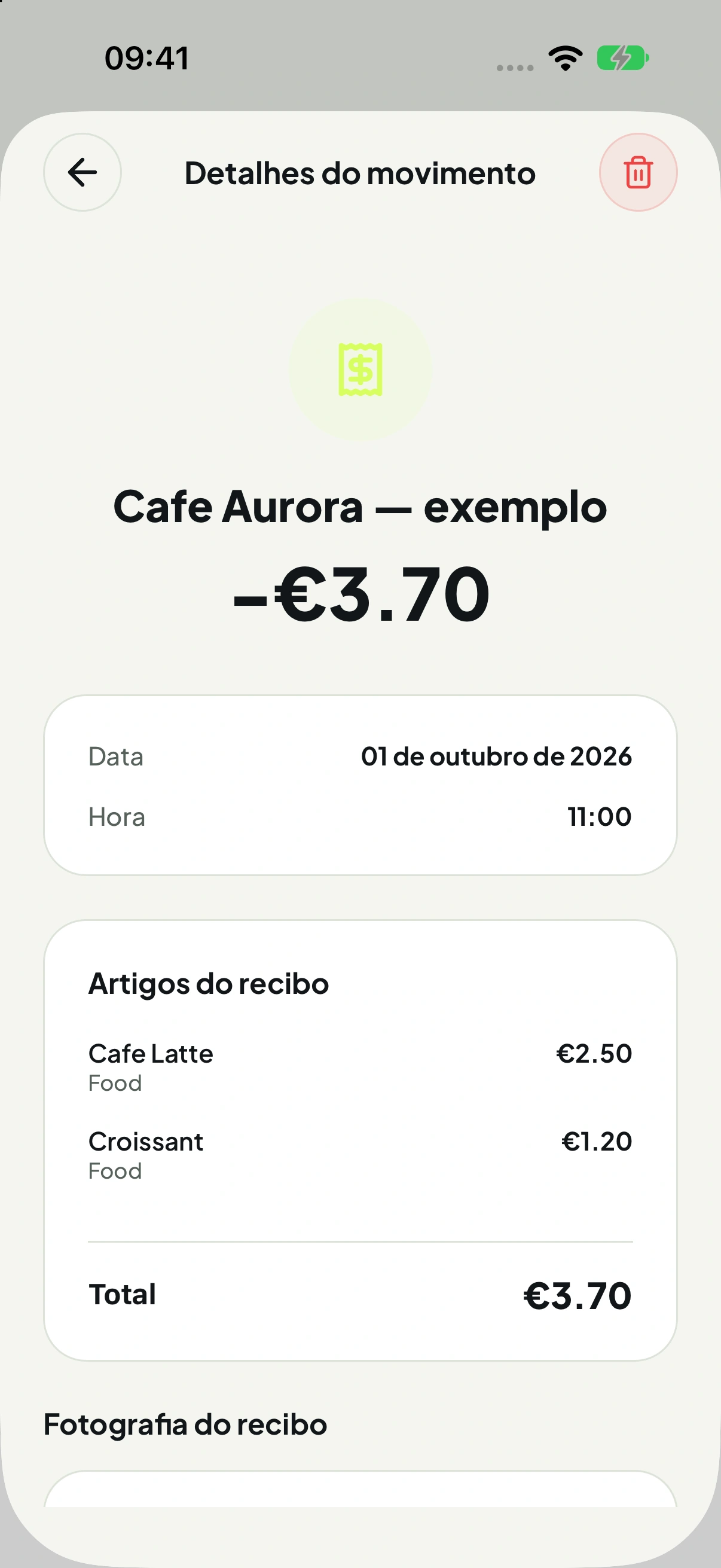
The review is yours.
Blurred images, discounts and different formats can cause errors. Compare the displayed total with the original receipt before saving.
Scanning helps organise expenses. It is not presented as a certified tax archive, invoice validation or a replacement for your record retention obligations.
From paper to budget.
After confirmation, the expense becomes part of your records. Consistent categories help you compare spending and track your monthly budget.
Keep exploring.
Get to know Ravnu.
The app is in preparation. Screens use demonstration data. See the planned features and the Help.
THE NEXT STEP / NO RUSH
Want to know when
Ravnu arrives?
Get launch updates for iOS or Android. No app account or paid subscription required.